About feature developments and custom programming

At details, we are committed to continuously improving our service and enhancing your user experience through new features and simpler workflows.

We value the ideas and inspiration shared by both our team and clients. However, catering to the diverse business models and workflows in the music industry makes the task of creating a universal service complex. Therefore, we carefully consider every new development and its implications for all our valued customers worldwide.

To cater to these diverse needs, we’ve meticulously crafted a system called “$$$” (pronounced “magical moolah!”).

When clients request a feature to be dealt with as a priority, this allows them to contribute towards programming costs, ensuring effective task prioritization while maintaining a balanced roadmap that benefits all our users.

Here is an overview of when and how much clients will be asked to contribute to our programming costs:

  1. General Improvements: If it’s a general improvement that we believe will benefit all clients, we’ll include it in our programming schedule, and it’s provided free of charge as part of our ongoing development. This also includes bug fixing, which always has the highest priority. Clients won’t be charged for these improvements.

  2. Priority on General Improvements: If it’s a general improvement, but the client wants to set a priority for our programmers to work on it, the client will need to pay 50% of the programming costs after receiving an upfront quote.

  3. Special Client Requests: If it’s not a general improvement but a special request from a client, we might include it in our programming schedule, and the client will be required to pay 50% of the programming costs after receiving an upfront quote.

  4. Priority on Special Client Requests: If it’s not a general improvement, and the client wishes to prioritize it above other tasks for our programmers, the client will be responsible for paying 100% of the programming costs after receiving an upfront quote.

With these guidelines in place, we strive to balance client requests with our ongoing efforts to enhance and improve our services for the benefit of all our valued clients.
Bildschirmfoto 2023-07-27 um 18.25.14.png

Billing in details: Where to find invoices and manage your billing details

This article explains how billing works in details, where you can find your invoices, and how to update your billing and payment information.

Who is this for?
This article is written for clients of details who want to access their invoices or manage their billing information.

► WHERE TO FIND YOUR DETAILS INVOICES

Whenever details charges you for subscriptions, support, or additional services, the invoice is always available directly inside the application.

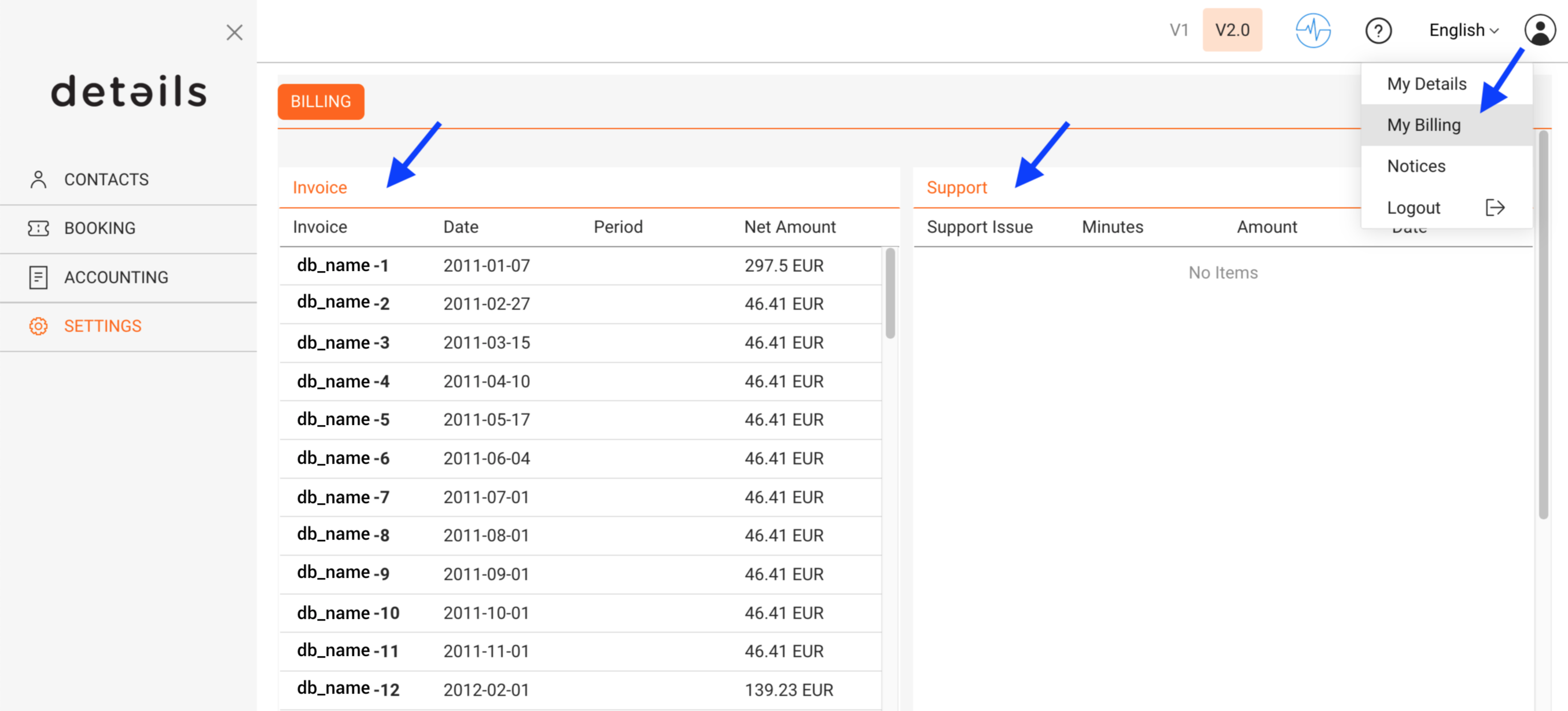
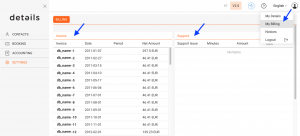
In Version 2, you can find all billing invoices under:

  • DOCUMENTS / BILLING
  • or via the profile icon (top right) ► My Invoices

The billing overview lists all invoices with their invoice date, billing period, and net amount.

To retrieve invoices:

  • Click an individual invoice number to view it
  • Or select one or multiple invoices and use [Download PDFs] to download them directly as PDF files

This allows you to download several invoices at once without using your browser s print function.

► WHAT DETAILS BILLS FOR

details provides several types of services that may appear on your invoices.

  • Platform usage
    Ongoing access to the platform and its modules, billed monthly or annually depending on your subscription.
  • Support & onboarding services
    Assistance with data migration, setup, training, or ongoing support.
  • Custom development & plugins
    Additional features or integrations developed specifically for your needs.

Pricing, billing cycles, and available plans may vary. For the current and authoritative pricing information, please refer to:

www.details.eu

► UPDATE PAYMENT INFORMATION

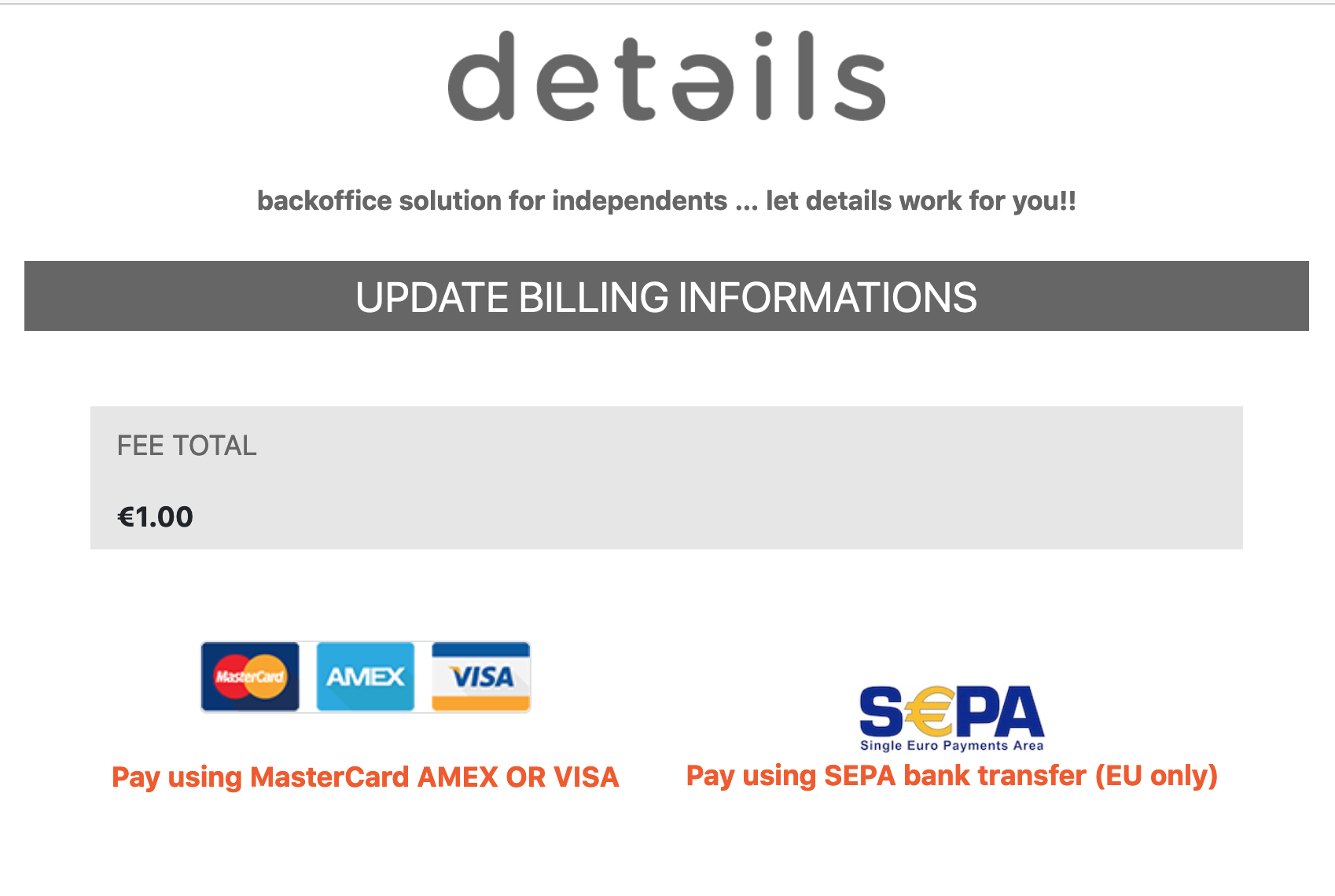
details uses a certified external payment provider to process automatic billing securely.

For security reasons:

  • Your payment details are not stored inside details
  • The details team has no access to your credit card or bank account information
  • Please never send payment details by email

To update your payment information:

  1. Go to DOCUMENTS / BILLING
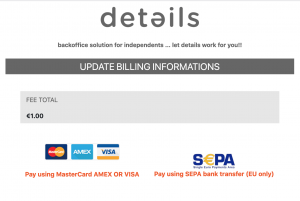
  2. Click [Edit Payment Info]
  3. You will be redirected to the secure payment interface where you can update your card or SEPA mandate

Changes apply immediately and will be used for the next billing run.

► UPDATE YOUR INVOICE ADDRESS

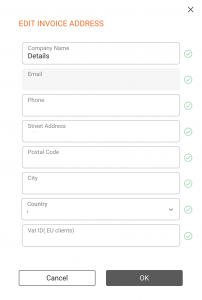
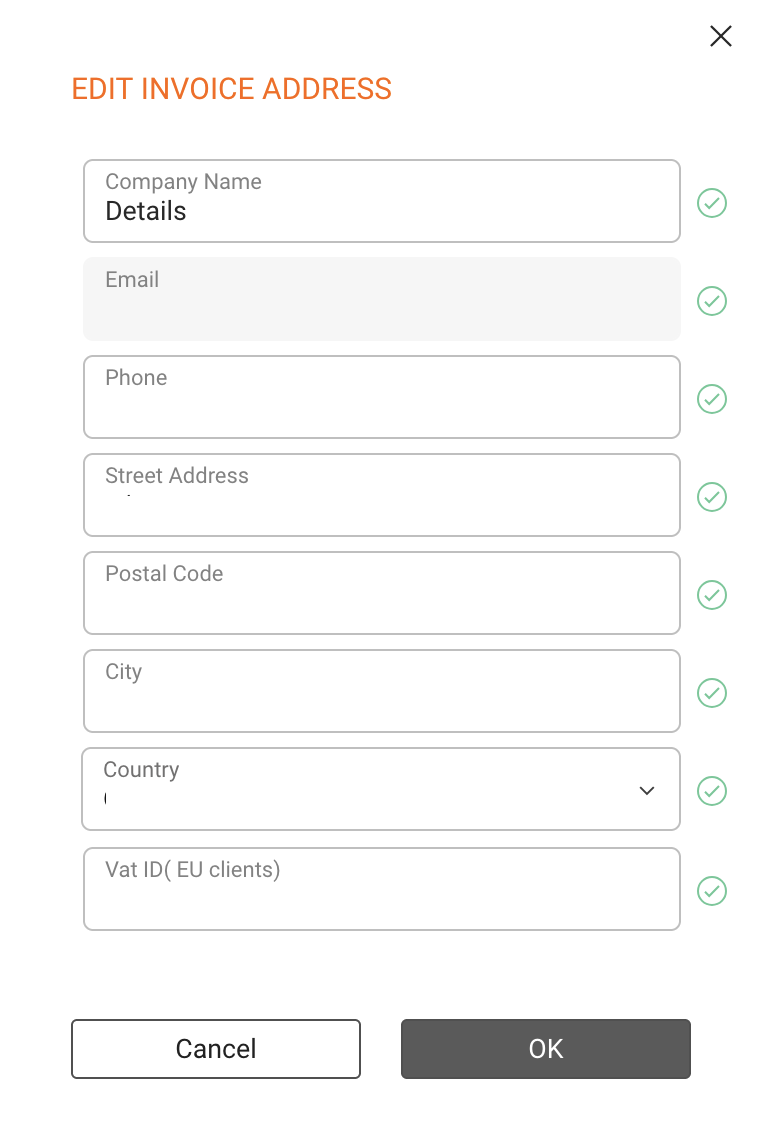
In Version 2 of details, you can update your invoice address directly in the app. This allows you to keep your legal and billing information up to date without contacting support.

To update your invoice address:

  1. Go to DOCUMENTS / BILLING
  2. Click [Edit Invoice Address]

You can update:

  • Company or legal entity name
  • Street, postal code, city, and country
  • VAT number (if applicable)

Important:
Changes to the invoice address only apply to future invoices. Already issued invoices cannot be changed for legal and accounting reasons.

► BILLING CYCLES & PAYMENTS

Billing is handled automatically based on your subscription and usage.

  • Monthly billing is charged after the end of the respective usage month
  • Annual subscriptions are billed upfront and may include discounted terms
  • Support and custom services are billed after the service has been delivered

If you have questions about a specific invoice or billing position, please contact the details support team with the invoice number for reference.

Billing in details: Where to find invoices and manage your billing details

This article explains how billing works in details, where you can find your invoices, and how to update your billing and payment information.

Who is this for?
This article is written for clients of details who want to access their invoices or manage their billing information.

► WHERE TO FIND YOUR DETAILS INVOICES

Whenever details charges you for subscriptions, support, or additional services, the invoice is always available directly inside the application.

In Version 2, you can find all billing invoices under:

  • DOCUMENTS / BILLING
  • or via the profile icon (top right) ► My Invoices

The billing overview lists all invoices with their invoice date, billing period, and net amount.

To retrieve invoices:

  • Click an individual invoice number to view it
  • Or select one or multiple invoices and use [Download PDFs] to download them directly as PDF files

This allows you to download several invoices at once without using your browser s print function.

► WHAT DETAILS BILLS FOR

details provides several types of services that may appear on your invoices.

  • Platform usage
    Ongoing access to the platform and its modules, billed monthly or annually depending on your subscription.
  • Support & onboarding services
    Assistance with data migration, setup, training, or ongoing support.
  • Custom development & plugins
    Additional features or integrations developed specifically for your needs.

Pricing, billing cycles, and available plans may vary. For the current and authoritative pricing information, please refer to:

www.details.eu

► UPDATE PAYMENT INFORMATION

details uses a certified external payment provider to process automatic billing securely.

For security reasons:

  • Your payment details are not stored inside details
  • The details team has no access to your credit card or bank account information
  • Please never send payment details by email

To update your payment information:

  1. Go to DOCUMENTS / BILLING
  2. Click [Edit Payment Info]
  3. You will be redirected to the secure payment interface where you can update your card or SEPA mandate

Changes apply immediately and will be used for the next billing run.

► UPDATE YOUR INVOICE ADDRESS

In Version 2 of details, you can update your invoice address directly in the app. This allows you to keep your legal and billing information up to date without contacting support.

To update your invoice address:

  1. Go to DOCUMENTS / BILLING
  2. Click [Edit Invoice Address]

You can update:

  • Company or legal entity name
  • Street, postal code, city, and country
  • VAT number (if applicable)

Important:
Changes to the invoice address only apply to future invoices. Already issued invoices cannot be changed for legal and accounting reasons.

► BILLING CYCLES & PAYMENTS

Billing is handled automatically based on your subscription and usage.

  • Monthly billing is charged after the end of the respective usage month
  • Annual subscriptions are billed upfront and may include discounted terms
  • Support and custom services are billed after the service has been delivered

If you have questions about a specific invoice or billing position, please contact the details support team with the invoice number for reference.