This section covers the basic actions you can perform in the CATALOG / ARTISTS list view in details.
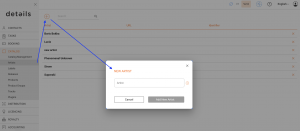
► ADD NEW ARTIST
Click the [+] at the top left of the artist list and enter the required information.
► EDIT ARTIST
Click the artist s bold name to open the full artist interface and update any tab.
► DELETE ARTIST
Click the [x] next to the artist s name in the list to remove the entry.
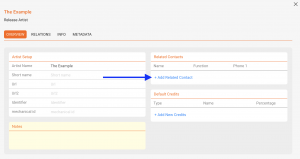
► LINK CONTACTS (MANAGERS & MORE)
Open the artist, then link relevant contacts (e.g., managers) so your team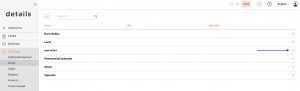 can quickly find key people when working on releases or tasks.
► ADD RELEASE
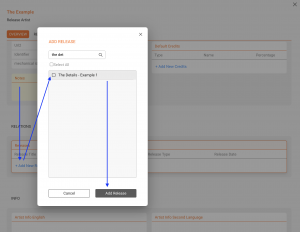
To create a discography view for better navigation you can link existing releases to the artists by clicking [+ Add New Release].
Note: Artists listed in CATALOG / ARTISTS represent your managed roster. They are not automatically matched with credits on RELEASES, PRODUCTS or TRACKS.